

I wanted to move away from Tailscale but found Headscale a bit too convoluted for what I actually needed.
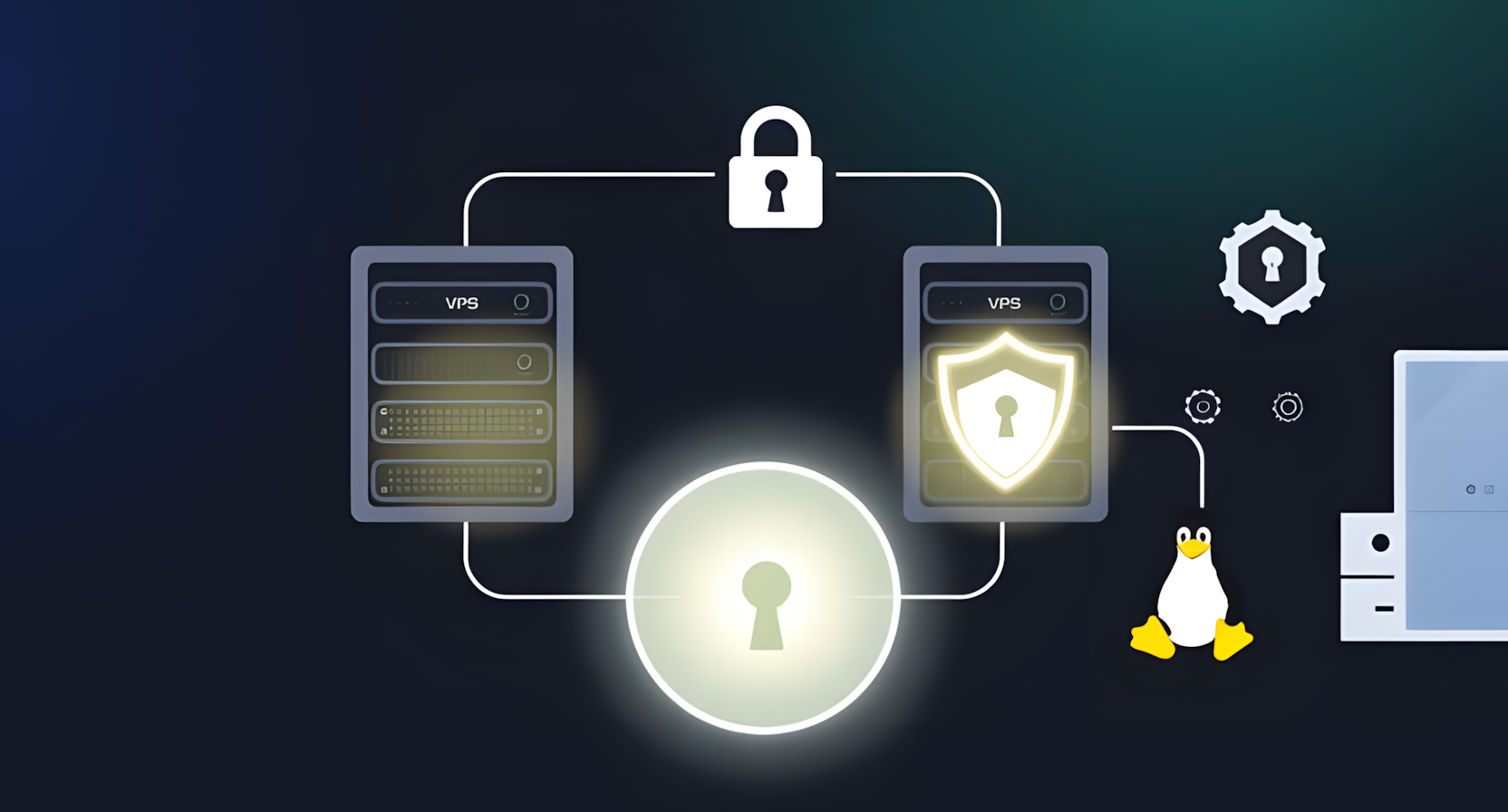
Ended up with a simple WireGuard setup using two VPSes: one as a VPN hub, the other acting as a reverse proxy back into my home lab.
It lets me expose services publicly without any inbound port forwarding on my home connection.
This is an interesting article, but the crux of the setup isn’t described : what is the configuration on your home server?
Creating a wireguard tunnel is pretty simple, but managing how everything is handled behind the VPN is more challenging.
The home server is an old, low-powered mini PC running Debian. It acts as the bridge between the WireGuard tunnel and my local LAN.
I’ve just finished migrating one of my AdGuard Home instances onto it today. Its role is now twofold:
Routing: It has ip_forward enabled and a bit of NAT (iptables/nftables) so that traffic arriving from the VPN can actually “hop” onto the local network to reach my other VMs and containers.
DNS: It provides ad-blocking for the tunnel. VPN clients point to this node’s internal WireGuard IP for DNS queries.
Technically, it’s just another WireGuard peer, but with AllowedIPs configured to advertise my 192.168.x.x subnet back to the hub (VPS2). This is what allows VPS1 and my mobile devices to resolve and reach home services without a single open port on my router.