

2·
4 months agoI have a reverse proxy set up already. The path from the outside goes:
DNS -> my IP -> reverse proxy -> server
I’m just wondering what happens when my own devices on the same network go to the domain.
I have a reverse proxy set up already. The path from the outside goes:
DNS -> my IP -> reverse proxy -> server
I’m just wondering what happens when my own devices on the same network go to the domain.
The FLIRC Skip 1S might be your best option. The software for it is a little finicky but you can program the volume button up/down to fire multiple volume commands. One button press could control a bunch of different TV brand volumes.
I’m not sure if it can control the shield, but you may be able to program it.
So all the people who want to use your Jellyfin server have to deal with a VPN first?
That’s my point. Plex was easily accessible for friends and family with minimal setup. Jellyfin requires a bit more knowledge.
That means it can’t be shared (easily) with others. That’s the appeal of Plex and the reason why switching entirely to Jellyfin is not an easy thing to do.
Right, but if you’re hosting Plex then you’ve likely shared it with friends/family. Jellyfin isn’t as easy to share.
The hard part about Jellyfin is that it requires your own domain and some more self-hosting knowledge that a hobbyist might not have yet.
It’s not a super hard transition, but it took me a few months on/off to learn the basics of hosting a website from my house.
I’m still trying to figure out headscale on a VPS so I can mask my home IP
I host rustdesk on my own domain and it works. I don’t have my tinfoil hat all the way on though.
Just checked out Seal. My impression:
It uses the same backend as MeTube (yt-dlp), so they have the same capability as far as website support and file formats.
Seal looks like a good option if you don’t have access to your home network or if you don’t have a dedicated machine to host things.
I still prefer MeTube because it’s a web UI that I can access from any machine. I use a VPN to stay connected to my house so I could still use MeTube while away.
Is it primarily for iPhone users?
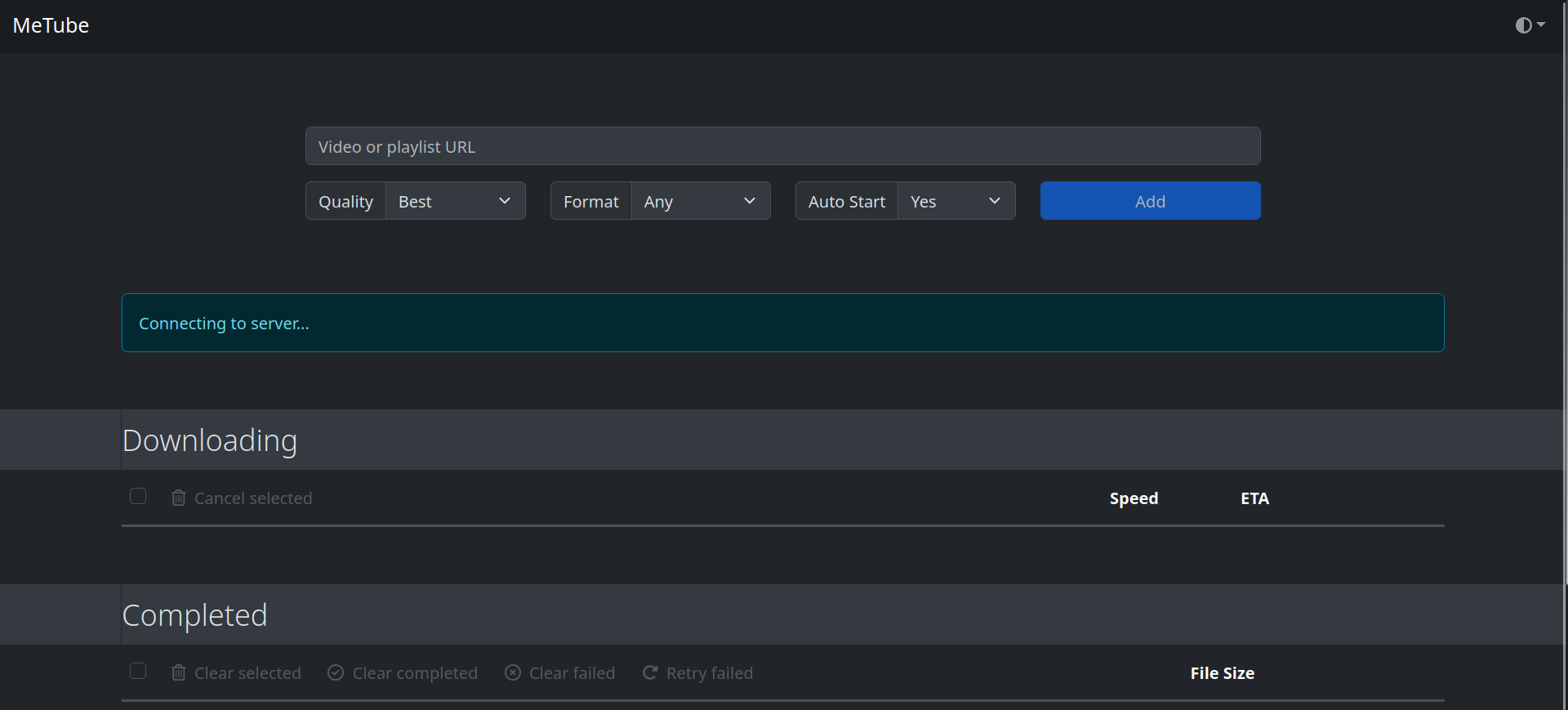
MeTube is just a web UI, not a phone app. It is accessible by any device that can see the local IP and port of the host machine.
Yeah, that’s about it. You can watch it directly in the browser as well.
MeTube, for when my friends send me a video on a service I don’t use (facebook, instagram, tiktok). It supports a lot of sites.
I use my 50 mbps connection to host Plex/Jellyfin and I have a wireguard setup to allow me to access my files.
It works… Mostly. I have to manually set my streaming rate in Jellyfin to something reasonable to make it work remotely.
Downloading files from my server is an overnight process most times.
It also runs qbit with port forwarding to have faster uploading speeds. Everything manages to squeeze through that 50 mbps.
Same same but different. I got all the jackboxes through uhh ways and means and I play it on my HTPC on the TV.
Running it on Docker on my debian server. It runs great.
The config setup is a pain in the ass though.
https://github.com/sfortis/frigate-viewer
This is the closest thing to an android app, but it just adds a check to see if you’re on your local network or not. Other than that, it’s just a web frontend.
The frigate documentation also has some info about installing it as an app, but either I’m doing it wrong or it’s the equivalent of a bookmark on my homescreen.
Game servers are always fun! I set up a custom Minecraft modpack and have it set up on my domain. I also run an Arma 3 server, but it’s a hackjob of a self-host solution and I’m ashamed of how it works.
To address your examples directly:
Media server: Jellyfin, along with an *arr stack (Radarr, Sonarr, and qbittorrent and gluetun) to automate everything for you.
Photos app: Immich is your direct Google Photos replacement. Automated uploads, object detection, facial recognition, etc, all ran locally on your machine. Just remember: you still need a proper backup!
Recipe management: Mealie is the best I’ve used. It can import a recipe from almost any website. Very easy to cook with and follow along each step. It also lets you categorize meals (breakfast, lunch, dinner), rate your meals, and randomly pick meals for you.
Other things I have going:
Frigate NVR - A couple PoE and wifi cameras set up around the home record everything. Frigate records and timestamps things based on the settings - A person walks up, something loud happens, etc. My only gripe is that there isn’t a good Android app to go with it. I’d like to receive notifications on my phone, too.
MeTube - Rip videos from almost anything. Friend sent you an Instagram video, but you don’t have Instagram? Chuck it into this and it’ll give you the video. Here’s all the websites it supports.
GMKtec sells solid mini x86 computers. I have one with an Intel N150, which can do hardware encoding with Intel QSV. https://www.amazon.com/GMKtec-mini-pc-computer-n150/dp/B0CH81C4K3
$137 rn on Amazon for 8gb/256gb N150
You can buy twice as many drives, though.
Honestly I’d recommend buying refurbished drives and using them in a RAID array so that you can easily replace one for cheap(ish) if it goes bad.
before anyone says “RAID is not a backup” yeah I know but you can’t deny its capability to function as such. 3-2-1 always applies.
Set up an alert for when the drive you want goes on sale/in stock
Are you doing things through docker compose? If so, feel free to PM me or reply here with your compose file and I’ll help as best I can
What plugins do you use?