

UPDATE THREAD (it’s prettier, and on Mac and Linux now): https://piefed.ca/c/selfhosted/p/571213/honey-i-shrunk-the-vids-mr-universe-edition-v1-0-5
histv - Honey, I Shrunk The Vids
An overengineered PowerShell frontend for FFMPEG
Predendum 6/MAR/26: Yes, I’m using genAI - specifically Claude - to help me build and improve this application. But, I believe I’m using genAI differently than the majority of projects. For one thing, I’m not blindly copy-pasting output and crossing my fingers that it works. I read the output, looking for things I know are wrong, and try to fix it; if I can’t, I ask what I’m doing wrong, and then I fix it. When I encounter errors, I’m reading the error output and if I know how to fix it I do it myself. I’m trying to actually learn, but I do that best by diving in and fixing the mistakes I make. I test informally* on the hardware I have available, which is two Windows PCs, and sometimes my friend with a 2016 Mac will do a test run for me to confirm stuff works. (*by “informally”, I mean I don’t write test cases. I know how, but they’re repetitive and I hate them and I’m not doing it for my personal projects or I’ll end up hating my hobbies.)
My goal in posting my projects is not to have other people audit my code for me, nor do I want kudos or approbation (except for any jokes you see. Those are all me). I’m posting what I’ve got when I’ve got it largely working, in case other people find it useful, and that’s it. I do hope that if people see something I could refactor or conventions I should be adhering to, they’ll drop me a (civil) note about it so I can keep it mind. I appreciate feedback and advice, but I’m not expecting it.
Thanks for reading, I hope you find HISTV useful!
screenshots
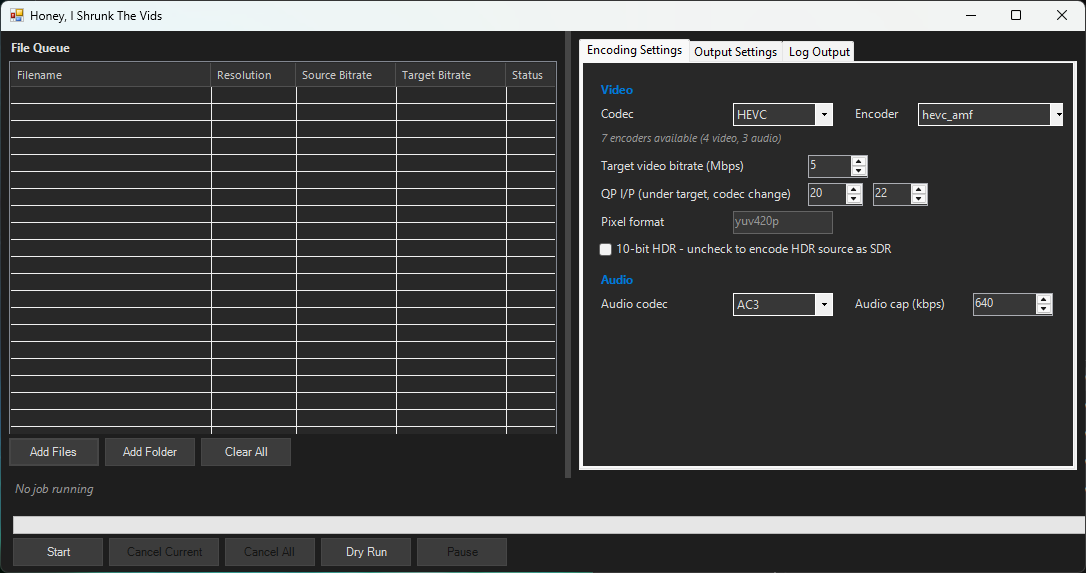
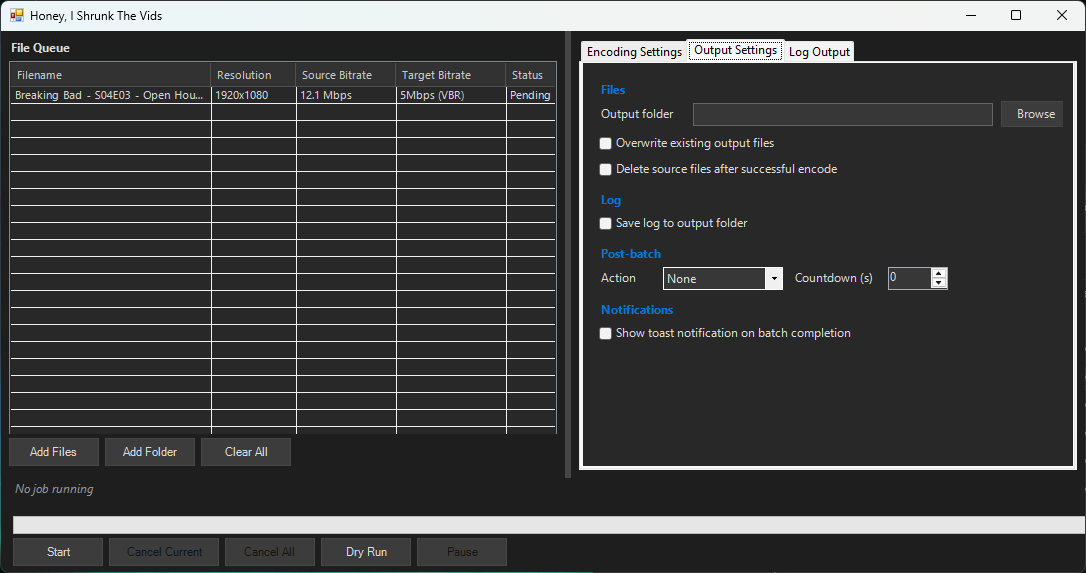
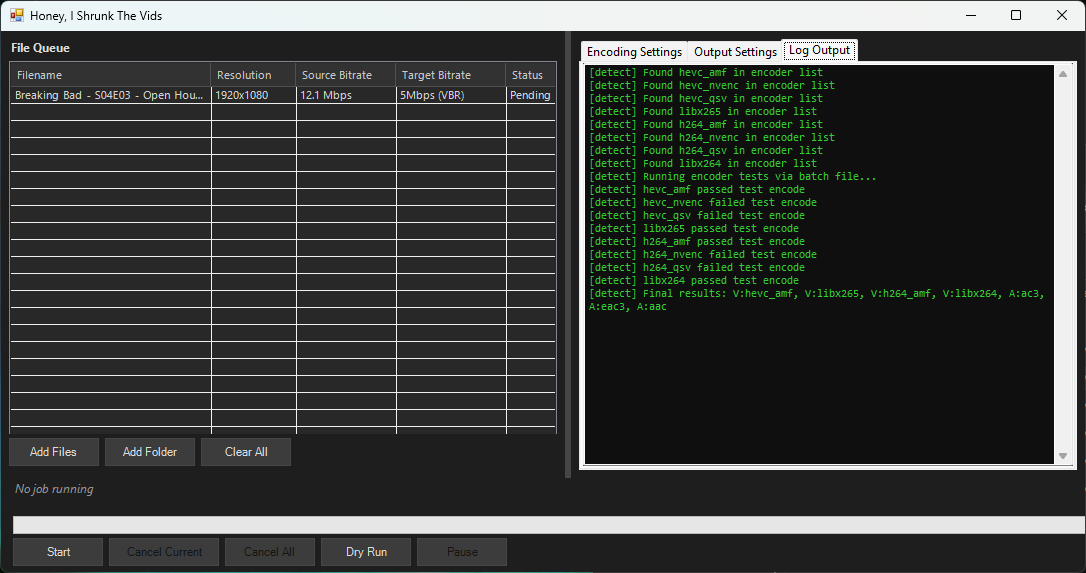
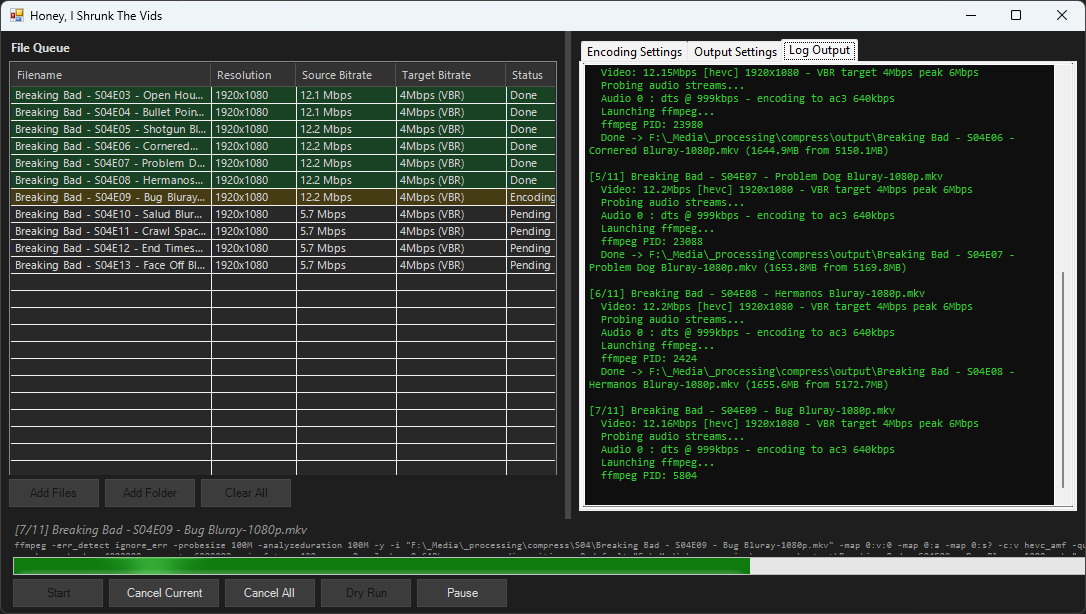
I was doing a lot of manual re-encoding down from insane source bitrates with FFMPEG, and I wondered if I could put it into a nice GUI. Then I wondered if I could make it hardware-agnostic. Then I wondered if I could give it a dark theme… and on and on and on… until finally I had it working how I wanted and I wondered if I could put it into a single executable file.
So all up I spent a little while on this today and I think I finally have something worth shipping. The executable will probably trigger your antivirus because it boostraps the powershell script, and the script will always throw a warning asking if you’re sure you want to run it. But it works and it’s safe, read the full source and readme in the codeberg if you want to be sure.
I hope this might be helpful for anyone else transcoding videos on Windows! I’d love feedback, but please be gentle, it’s my first project like this and I have no idea what I’m actually doing.
Tdarr can distribute compute to other nodes, so you could set it up on your server and have your workstation do the actual transcoding.
TIL, cheers! That’s pretty awesome. Now that this is working, I’ll probably drop it entirely and move on to learning Tdarr, I’m really curious how the network compute works 😅
edit 6/mar: nope, improving this is actually a lot of fun and very satisfying! I’m gonna keep building it after all, I think I’ll see if I can bring over some of the improvements from the universal version…